
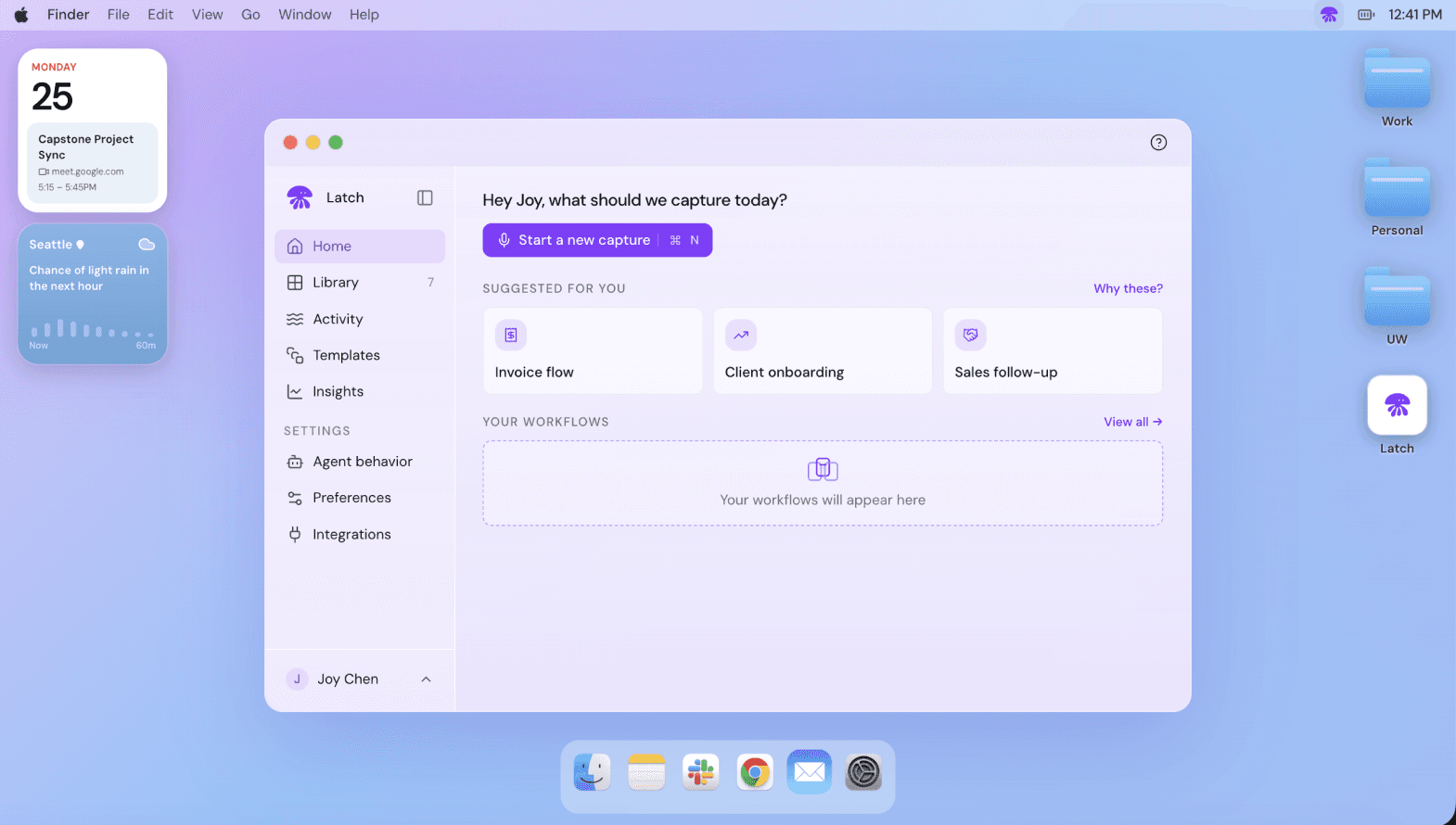

 ListeningWaiting
Helping non-technical teams trust, verify, and control an AI agent
TL;DR
Latch is a seed-stage startup building AI automation for companies without an in-house technical team. For my master’s capstone, I led the design of the voice-led workflow capture experience, so non-technical users could trust and control an AI working on their behalf. Latch used the concept to run its first pilots.
Organization
Latch
Role
Product Designer
Duration
6 months
Team
PM, UX Researcher, 2 Product Designers
Tools Used
" width="16px"><path d="M 0 4 C 0 1.791 1.791 0 4 0 L 8 0 L 8 4 C 8 6.209 6.209 8 4 8 C 1.791 8 0 6.209 0 4" fill="rgb(36, 203, 113)" height="8px" id="Z88x9hUqt" transform="translate(0 16)" width="8px"/><path d="M 0 0 L 0 8 L 4 8 C 6.209 8 8 6.209 8 4 C 8 1.791 6.209 0 4 0 Z" fill="rgb(255, 114, 55)" height="8px" id="UOkfCEX25" transform="translate(8 0)" width="8px"/><path d="M 0 4 C 0 1.791 1.791 0 4 0 C 6.209 0 8 1.791 8 4 C 8 6.209 6.209 8 4 8 C 1.791 8 0 6.209 0 4 Z" fill="rgb(0, 182, 255)" height="8px" id="MDL1yCl6y" transform="translate(7.967 8)" width="8px"/><path d="M 0 4 C 0 6.209 1.791 8 4 8 L 8 8 L 8 0 L 4 0 C 1.791 0 0 1.791 0 4" fill="rgb(255, 55, 55)" height="8px" id="kjJWh010k" width="8px"/><path d="M 0 4 C 0 6.209 1.791 8 4 8 L 8 8 L 8 0 L 4 0 C 1.791 0 0 1.791 0 4" fill="rgb(135, 79, 255)" height="8px" id="NT8t6No0E" transform="translate(0 8)" width="8px"/></g></svg>)
" height="24.000999946594234px" id="LhCYqaRwG" transform="translate(0.056 0)" width="23.8879996702075px"/></svg>)


Impact
Designed the experience an $8M seed-stage startup took into its first pilots.
Latch was just beginning to build their product. The capture experience, the agent’s behavior, and the design system we handed them became the foundation of what they piloted and what is live today.
// WHAT I SHIPPED

Interactive prototype
End-to-end clickable prototype of the product, based on the research and testing findings.
Built in Cursor

Agent behavior
Rules for how the agent listens, when it speaks, when it waits for a natural pause, and when it yields to the user, with the settings that let users tune them.
Specifications

Design system
Machine-readable design system in markdown, covering tokens, states, accessibility, and usage rules.
MD file
The User
The teams who most want automation are the least equipped to build it.
The teams who run operations at companies without an engineering team spend their week on tasks too small to automate: pull the invoice, rename the file, update the sheet. Small on their own, 25 hours a week together, about $20,000 of salary a year, each. They know every step, and have no way to hand it over.
The Landscape
Finding where repetitive work lives
Latch was a seed-stage startup still figuring out product-market fit. I analyzed Bureau of Labor Statistics time-use data on 252,808 workers, so we knew which industries to focus on and which participants to recruit for research.
How big the problem is
At each worker’s wage that is $13,600 to $26,100 a year, per person. Big enough to build a company on.
Share of the workday on manual, repetitive tasks
Who to build for
The burden is not spread evenly. It concentrates in a handful of industries and roles.
Hours of repetitive work per week
Where existing tools lose users
Across four categories, the same pattern: setup demands a technical team, adoption runs through IT, and value takes months to show.


Direct


Process automation


Major platform


Enterprise
Source: American Time Use Survey, U.S. Bureau of Labor Statistics, 2003 to 2024. Cost annualized over 52 weeks.
User Problem
The user doesn’t know what the agent needs to know.
Six participants from different backgrounds, all at companies without an in-house technical team.

Setup takes time and knowledge they don’t have: Learning a tool on top of a full workload is where users stop.

They can’t trust what they can’t see: Invisible observation was the biggest adoption blocker.

They can’t control what they don’t understand: With no mental model of what the automation would do, users went back to doing it by hand.

They’re the ones who own it if something goes wrong: An automation runs in their name. That fear alone kept users doing it by hand.
“I know that all these capabilities are there; I just don’t know if my team is leveraging the most out of it.”
P4
· Brand Manager, CPG
“I haven’t figured out perfect processes for, ‘For this task, I’m going to use it to do this.’”
P2
· Policy Counsel, Law
How might we make workflow documentation feel approachable to non-technical users?
The user is the expert here. The design problem was building a bridge for that context to reach the agent, without asking them to give up trust, control, or ownership along the way.
THE TENSION
The more the agent sees and asks, the better the automation. The more it sees and asks, the less comfortable the user.

The bet: borrow patterns from the apps already in their day
The users of this product aren’t reaching for AI tools daily; they jump on a Teams call, share their screen, and answer an email. The prototype that borrowed those patterns made users noticeably more comfortable, so from there we explored how to balance familiar patterns with the control users needed at each point in the session.
Exploration
Prototyping two extremes of agent presence to test where control lives.
A more modern approach
Patterns from modern AI products. Latch stays out of sight while users work, then hands back a full transcript and recap to verify and correct.
Meeting users where they already are
Cues from the apps they use every day. Latch joins like a participant in a call: a recording indicator, screen share, a question asked in the moment.
Users wanted different things at different points in the session
Nobody landed clearly on either side. Users wanted less noise than familiar patterns usually bring. So the session split into states, each carrying only the controls that moment needs.
// FINAL SOLUTION
Designing the session.
A voice-led capture session built around permission, clarification, and review.
STEP 01
Pre-call briefing
What Latch sees, hears, and won’t do
STEP 02
Workflow capture
Show Latch how you work
STEP 03
Follow-up
One anchored question at a time
STEP 04
Revisit
Review, correct, re-record
STEP 05
Build
Nothing runs until confirmed
BEFORE · Privacy
The goal: Users should feel in control of what’s captured.
Knowing they could stop the recording is what made users comfortable being recorded at all.
Each permission explained in plain language before macOS asks
Pause and mute in the main control bar
Borrowed from recording controls they already know
DURING · Capture
The goal: Users should not feel uncomfortable when Latch asks for more.
Some users wanted to answer a follow-up right away, others wanted to finish first.
A corner overlay: always visible, never in the way
Every question kept in a running list
Answer in the moment, or come back to it later
AFTER · Review
The goal: Users should never feel wrong for changing something.
In research, users often wanted to edit or add more. With most AI tools, that means starting over. So Latch lets them change, add, or redirect at any point.
The recording plays beside the steps Latch extracted
Correct, add, or re-record a step without losing what was captured
Steps users need to oversee are flagged as manual
Designing the Agent
Designing an agent that made users feel in control.
For non-technical users, trust comes from how the agent behaves.
In research, users wanted to know what was being captured and that they could stop it at any time. So Latch asks for consent every session and can be paused whenever they want.
They also didn’t want to be interrupted mid-thought. So Latch asks one question at a time, at a natural pause.
// Handoff
Handing off to a startup that had no designer.
The design system
I owned the design system and wrote it as latch-design-system.md: tokens, states, contrast ratios, and a do and don’t table. Anything built next inherits it, whether a person or a coding agent is building.
The working repo
Commented for intent, with flows and edge cases as markdown beside the code and open issues carrying full reasoning. The team continues from code instead of redrawing mockups.

// Reflection
What I learned
Trust and control for a voice-led agent had no patterns yet.
Agentic capture had no established interaction patterns to lean on. The answer was borrowing trusted vocabulary from elsewhere and letting testing decide where it belonged.
Scoping is the job at this stage.
The pull at a seed-stage startup is to keep building. The harder call was converging on one direction late in the project and making it real enough to hand over.

Up Next

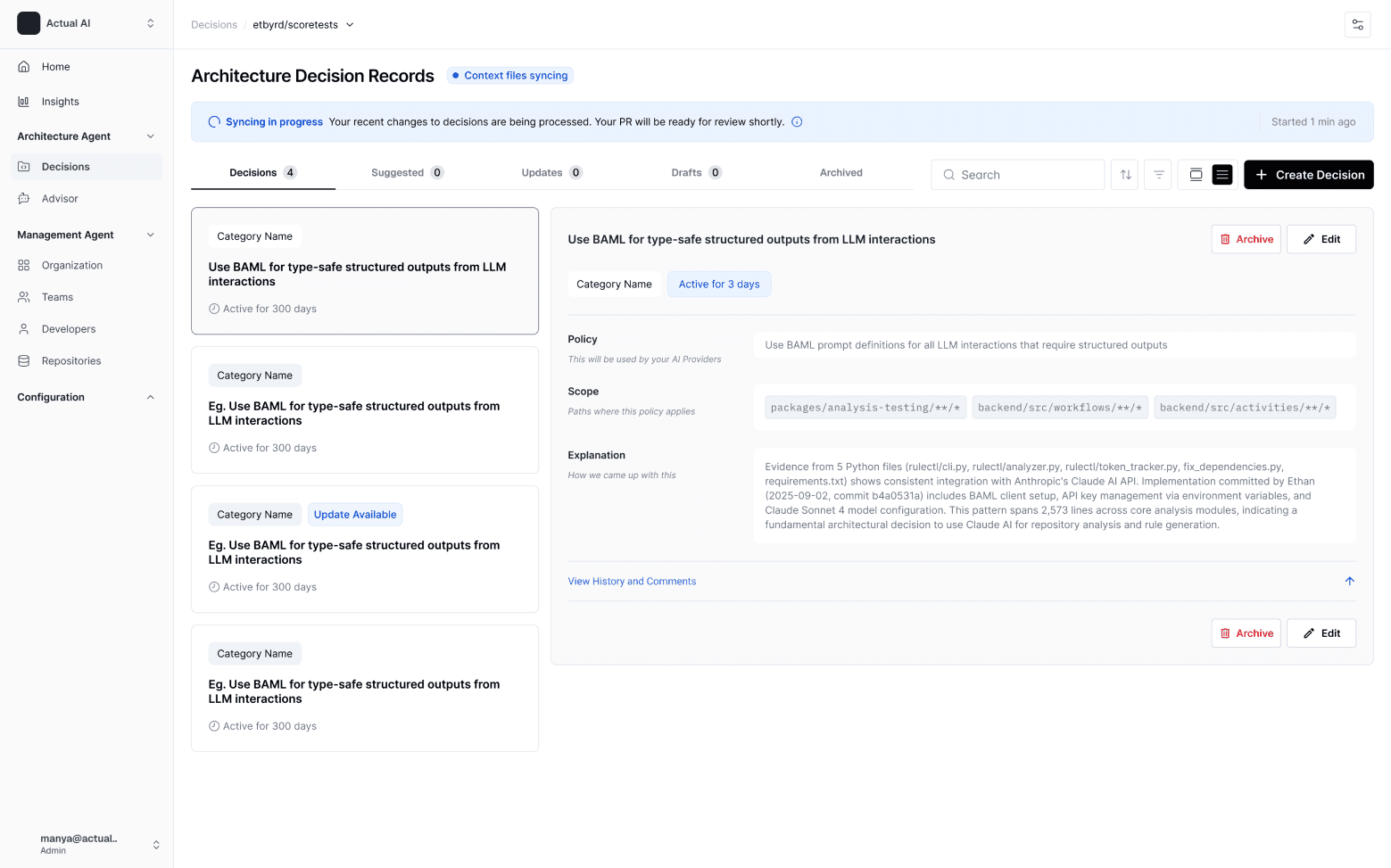


Context management system for AI powered dev teams
Reduced onboarding drop-off by 30%
Developer tools
Agentic UX
0→1
Early-stage startup

Welcome to the Data & AI Marketplace
A One Stop Shop to serve high quality Data & AI assets with integrated Governance.

Redesigning enterprise data discovery
For leadership decisions at a 700K-person company
Enterprise search
AI-powered discovery
Internal tool
Enterprise UX
Welcome to my garden, where most of my ideas start.